 Saudi Arabia
 Kuwait
 Emirates
 Bahrain
 Oman
Oman Qatar
Qatar Iraq
Iraq Libya
Libya Morocco
 Jordan
 Turkey











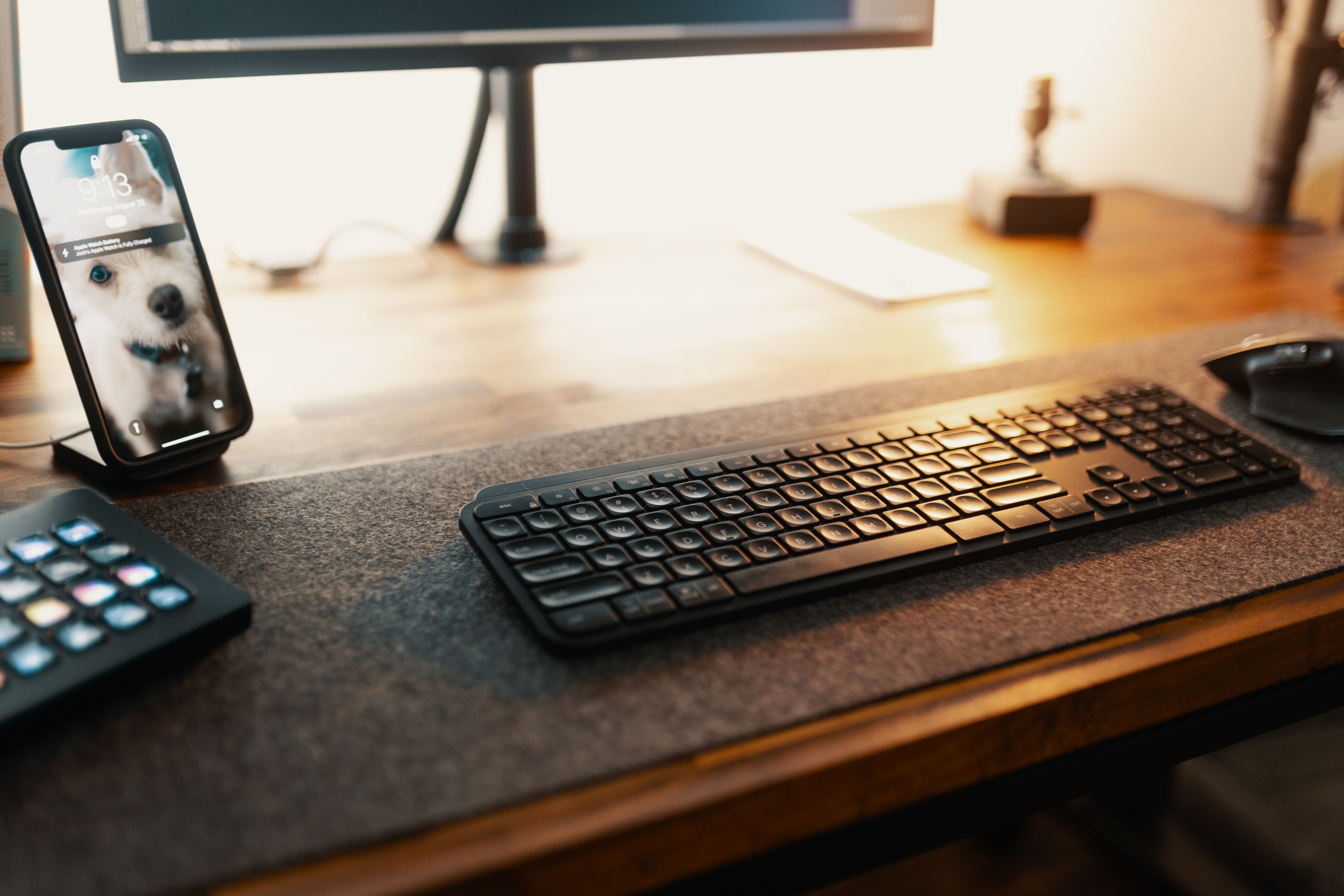
Many users are searching for the best Bluetooth keyboard to achieve a more flexible and comfortable typing experience, whether during work, study, gaming, or using smart devices on the go. With the significant advancement in wireless keyboards, they now offer fast performance and stable connectivity, along with practical designs suitable for various uses. Here, we will explore what the best Bluetooth keyboard is and what sets it apart from a wired keyboard. We also provide you with the most important criteria to help you choose the right keyboard, in addition to a selection of the best Bluetooth keyboards available at the GentooShop, so you can easily pick the option that meets your needs.
What is the best Bluetooth keyboard, and what sets it apart from a wired keyboard?
The best Bluetooth keyboard refers to a keyboard that provides a comfortable typing experience without the need for direct cables, with good connectivity to various devices and efficient performance across multiple usage environments.
1- Wireless connectivity without restrictions
A Bluetooth keyboard relies on wireless pairing with the device, giving the user greater freedom to arrange their workspace or use it with a phone or tablet from a suitable distance. A wired keyboard, on the other hand, always needs a port and a cable, which may reduce ease of movement or make the desk more cluttered.
2- Portability and ease of carrying
A Bluetooth keyboard is lighter and easier to store, especially when choosing a slim or foldable design. This feature makes it suitable for those who work outside the home or need keyboards that can be used in multiple places without carrying extra Gaming accessories.
3- Compatibility with multiple devices
One of the most important features of the best Bluetooth keyboard is that it can be used with smartphones, tablets, and some computers, depending on system compatibility. This makes it a practical choice for those who rely on more than one device during the day, instead of dedicating a separate keyboard for each device.
4- A more organized appearance
The absence of cables helps keep the desk or workspace more organized, especially for those who care about a practical and minimalist look. Additionally, some models come with stylish designs and include backlighting, adding a modern touch without affecting ease of use.
5- Battery dependency
A Bluetooth keyboard differs from a wired one in that it requires a battery or periodic charging to function efficiently. Therefore, when choosing the right type, attention must be paid to battery capacity, charging method, and expected usage time so that it does not stop working during work or gaming.
6- Suitable for daily use
The Best Bluetooth keyboard is suitable for those who want flexible typing performance for daily use, such as writing messages, managing business, studying, or controlling smart devices. A wired keyboard, however, is better for some users who prefer a permanent direct connection without worrying about charging or pairing.
Specifications to look for when choosing the best Bluetooth keyboard
Focusing on essential specifications before purchasing helps in selecting a keyboard that provides suitable performance for your life, rather than relying solely on appearance or price. The more the specifications match your usage habits, the more comfortable and efficient your experience will be.
1- Bluetooth connection quality
It is preferable to choose a keyboard that offers fast and stable Bluetooth connectivity, so you can type easily without delays in key response or connection drops, especially when used for long periods or during tasks that require fast input.
2- Key design
The design of the keys affects comfort levels while typing. It is advisable to choose keyboards with balanced, easy-to-press buttons, with a layout that reduces typing errors and provides a smoother experience.
3- Compatibility with different devices
It is best if the keyboard supports more than one operating system, so it can be used with smartphones, tablets, and computers without the need for complex settings or restrictions on the device type.
4- Battery and power efficiency
The battery is an important specification, as low power consumption contributes to longer operating time, reducing the need for frequent recharging and keeping the keyboard ready for use.
5- Build quality
Relying on durable materials increases the keyboard's resistance to daily use, provides better stability, and maintains key efficiency and the device's appearance for a longer period.
6- Size and portability
If you use the keyboard in multiple places, it is better to choose a lightweight, compact, or foldable design, as it is easy to carry in a bag without taking up much space.
7- Additional features
Some keyboards offer practical features such as backlighting, smart operation sensors, or quick pairing capabilities. These features enhance the user experience and provide greater flexibility in various conditions.
Is the best Bluetooth keyboard suitable for work, study, and gaming with the same efficiency?
The best Bluetooth keyboard offers distinguished performance across multiple areas, but the level of efficiency varies depending on the keyboard's design and the features it provides. Therefore, it is important to choose the type that matches your primary use.
1- In a work environment
A Bluetooth keyboard suitable for work excels at handling daily typing tasks, file management, and using keyboard shortcuts, which helps accomplish office work efficiently without the need for a complicated workspace.
2- During study
A wireless keyboard provides a comfortable experience for students when preparing research, writing assignments, and taking notes. It also offers greater freedom in using tablets or smartphones during lectures or study sessions.
3- In gaming
Gaming requirements differ from other uses, as a player needs a keyboard with high response speed, stable performance, and the ability to handle consecutive commands. Therefore, keyboards designed specifically for gaming are the most suitable choice for this purpose.
4- For varied home use
If you use the keyboard for browsing, watching content, replying to messages, and handling simple tasks, a Bluetooth keyboard provides a practical experience that combines ease of use with flexibility in moving between daily activities.
5- When using more than one device
Many users prefer to rely on a single keyboard for use with their phone, tablet, and computer. Therefore, multi-device support is an important feature for those who constantly switch between more than one platform throughout the day.
Common mistakes to avoid when buying a Bluetooth keyboard
Focusing on certain factors while neglecting others can lead to choosing a keyboard that does not meet your actual needs. Therefore, avoiding common mistakes helps you purchase a keyboard that provides suitable performance and gives you a better user experience in the long run.
1- Relying solely on price
A low-priced keyboard may seem like a good choice at first, but it often lacks the specifications you need, such as build quality or connection stability. It is better to compare features before making a purchase decision rather than relying on price alone.
2- Neglecting to check device compatibility
Not all keyboards support systems and devices in the same way. Therefore, you should verify that the keyboard is compatible with the device you intend to use it with, to avoid any issues during pairing or operation.
3- Choosing an inappropriate size
Some users may buy a large keyboard despite needing portability, or choose a small keyboard that does not provide enough comfort while typing. Therefore, the size should be chosen according to your daily usage habits.
4- Not paying attention to key quality
Key quality directly affects the typing experience. It is preferable to choose keyboards with durable keys and balanced response, especially if you use them frequently.
5- Ignoring battery specifications
Choosing a keyboard with a limited battery capacity will require frequent recharging, which may affect continuous usage. It is advisable to review battery performance before purchasing.
Tips for maintaining your Bluetooth keyboard and extending its lifespan
Regularly caring for your keyboard helps preserve its performance and response quality, and reduces the likelihood of malfunctions caused by daily use or improper storage.
1- Clean the keyboard periodically
Cleaning the keyboard's surface and removing dust and debris trapped between the keys helps maintain smooth key movement and prevents the buildup of dirt that affects usage efficiency over time.
2- Use it on a flat surface
A stable surface provides the keyboard with stability while typing and reduces stress or twisting on the frame, which affects the device's durability in the long term.
3- Avoid exposing it to liquids
Spilling water or drinks can damage internal components or disable some keys. It is preferable to keep liquids away from the keyboard during use.
4- Charge the battery properly
Using the appropriate charger and not leaving the battery empty for long periods helps maintain its efficiency. Additionally, unplugging the keyboard after charging is complete helps reduce strain on the battery.
5- Store it in a safe place when not in use
When you finish using the keyboard, it is best to place it in a bag or a clean, dry place that protects it from scratches and dust, especially if you carry it around frequently.
Best Bluetooth Keyboards
Goui Keyboard
-
Product Name: Goui Keyboard
-
Brand: Goui
-
designed to deliver comfort and flexibility.
-
It supports both Arabic and English, along with a variety of other languages, making it the perfect choice for every user.
-
Compatible with most devices, whether running on Android or iOS, it ensures fast connectivity and a seamless experience without limits.
-
Featuring Bluetooth connectivity, LED backlighting, a lightweight design, and a foldable structure, it’s the ideal companion for work and travel.
-
Introduces a folding design concept, reducing the keyboard width to 55mm, the best option for portability and convenience.
-
Made from aluminum alloy, providing a comfortable tactile feel and premium surface finish.
-
Equipped with a magnetic smart sensor that automatically turns the keyboard on or off when opened or closed.
-
Easily connect via Bluetooth by pressing Fn + C simultaneously on the keyboard and pairing it with your tablet or smartphone to start working instantly.
-
Supports multiple languages, including Arabic and English, and is compatible with phones and tablets via Bluetooth (Windows 7 or higher required).
Cypher 61 Keys Gaming Keyboard White
-
Product Name: Cypher Mechanical Keyboard
-
Brand: Cypher
-
Color: White
-
60% mechanical gaming keyboard
-
USB Type-C
-
Supports Bluetooth Technology
-
Battery Capacity: 1000mA Rechargeable Lithium
-
Product size: 291 × 101 × 40 mm
-
Weight: 580 g
-
Cable Length: 1.5 m
-
Full Anti-Ghosting, 61 Keys
-
Ajazz Switches
-
ABS bi-color injection keycap
-
LED Backlight
-
Dual-Mode Gaming Keyboard
-
1.5Mts Cable USB
-
User Manual
-
Warranty Card
Awei Bluetooth Keyboard 78 Keys with Leather Case Black
-
Product Name: Awei Bluetooth Keyboard for tablets
-
Brand: Awei
-
Color: Black
-
Comfortable 78-key keyboard layout
-
Single Bluetooth connection with one-click pairing
-
Durable keys with 5 million keystroke lifespan
-
Slim and lightweight design
-
USB Type-C charging
-
Includes multifunctional leather case
-
Battery: 150 mAh (3.7V)
-
Working current: 5 mA
-
Product size: 246 × 149 × 7 mm
-
Weight: 185 g
-
Material: ABS + iron plate
Leather Case Details
-
Closed size: 27.2 × 21 × 2.3 cm
-
Unfolded size: 49 × 27.2 × 0.7 cm
-
Weight: 425 g
-
Features: magnetic storage and capacitive pen holder
-
Compatible devices: 9–11.5 inch tablets
-
Stylish, portable, and practical.
FAQ
Can a Bluetooth keyboard be used with a smartphone?
Yes, most Bluetooth keyboards support smartphones running compatible operating systems, making writing messages and documents easier and faster than relying on the on-screen virtual keyboard.
Does a Bluetooth keyboard require special software to operate?
No, it is enough to activate Bluetooth on the device and complete the pairing process once for the keyboard to be ready for use without installing additional software.
Are all Bluetooth keyboards equipped with backlighting?
No, backlighting is an additional feature available only on some models. Therefore, it is advisable to check for its presence if it is a specification you need.